# AI local
why we need to run AI on our own computers?
- speed: local proessing reduces latency, making devices more responsive
- privary: data stays on the device, enhancing user privacy
- offline: devices can function without internet connectivity, providing consistent performance
# meta llama 3.1
# setup
macbook pro: 15.0 Beta, m2 max chip, 96GB
we will be using ollamap, so the first step is to install and run it
open terminal and run allama pull llama3 to download the 8B chat model, with a size of about 4.7GB
or run allama pull llama3:70b about 39GB
# runing
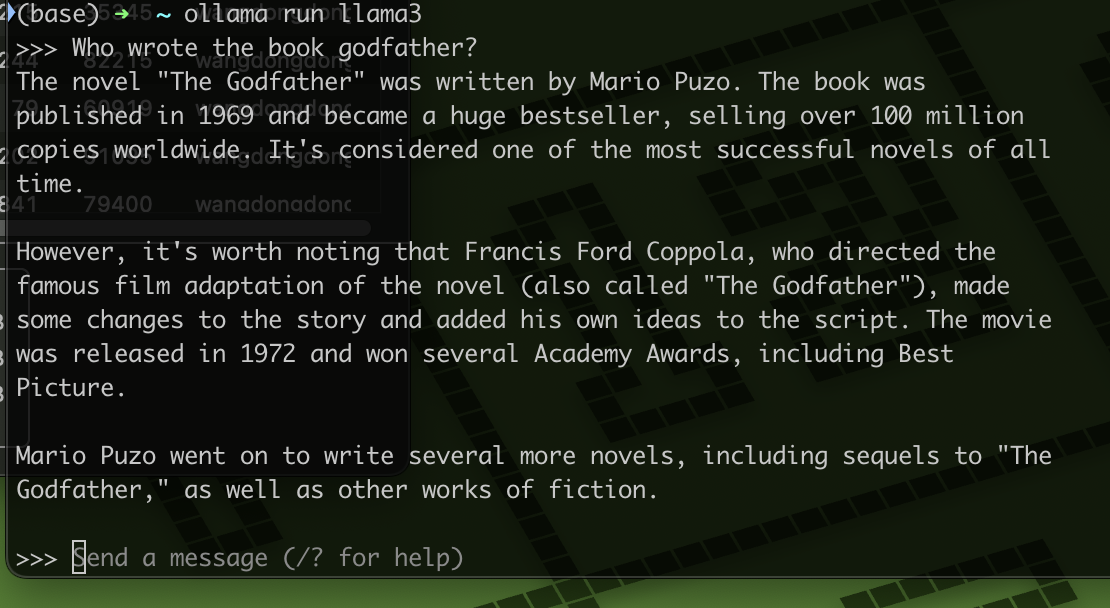
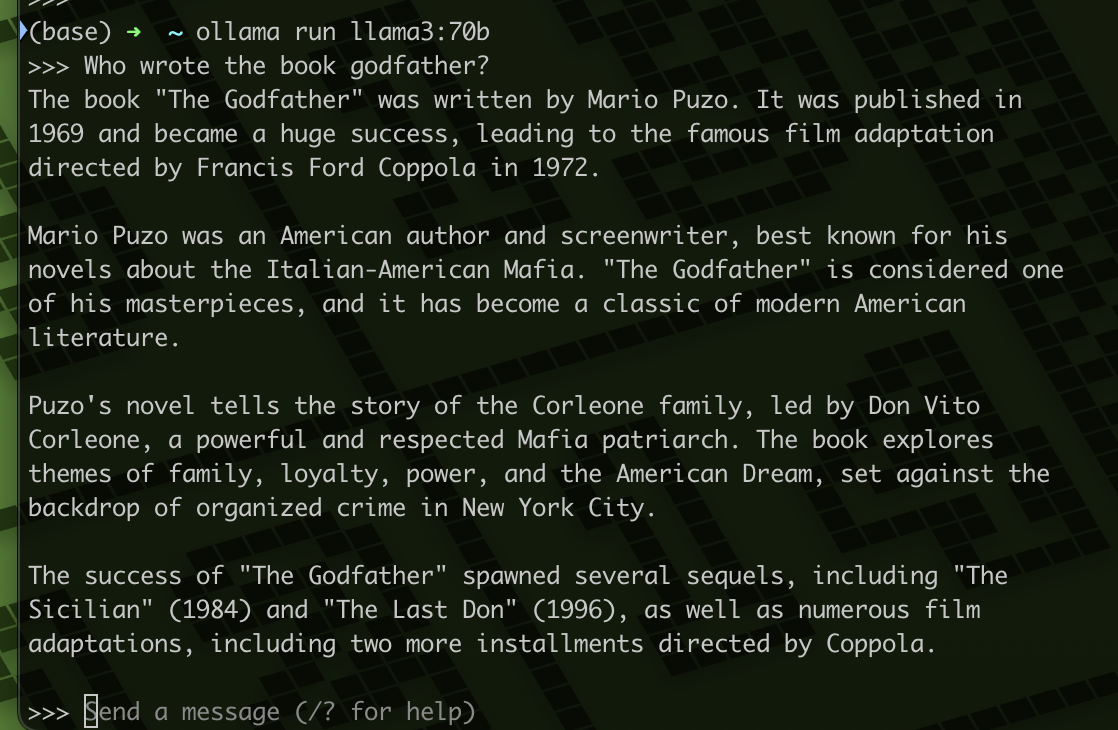
run ollama run llama3 or ollama run llama3:70b
you can to ask question and chart with llama3 model
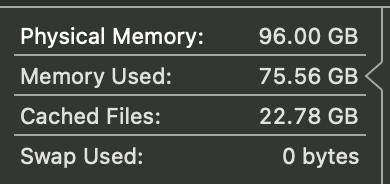
# used memory
llama 8b
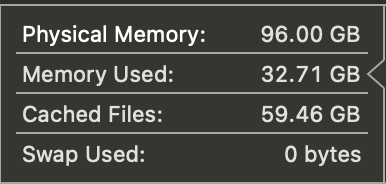
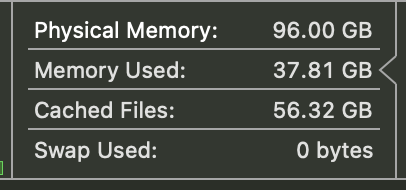
llama 70b
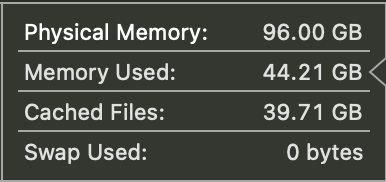
# open webui
The terminal is not convenient, so we need a ui
if the llama is on your computer, you use this command
docker run -d -p 3000:8080 --add-host=host.docker.internal:host-gateway -v open-webui:/app/backend/data --name open-webui --restart always ghcr.io/open-webui/open-webui:main
open website http://localhost:3000/
# unsloth
fine tuning
# step 1
[
    {
        "instruction":"你是谁",
        "input": "",
        "output": "我是王东东"
    }
]
For example Fine-tuning.json
# step 2
open https://github.com/unslothai/unsloth
find Finetune for Free
click Llama 3.1 (8B) Start for free
# step 3
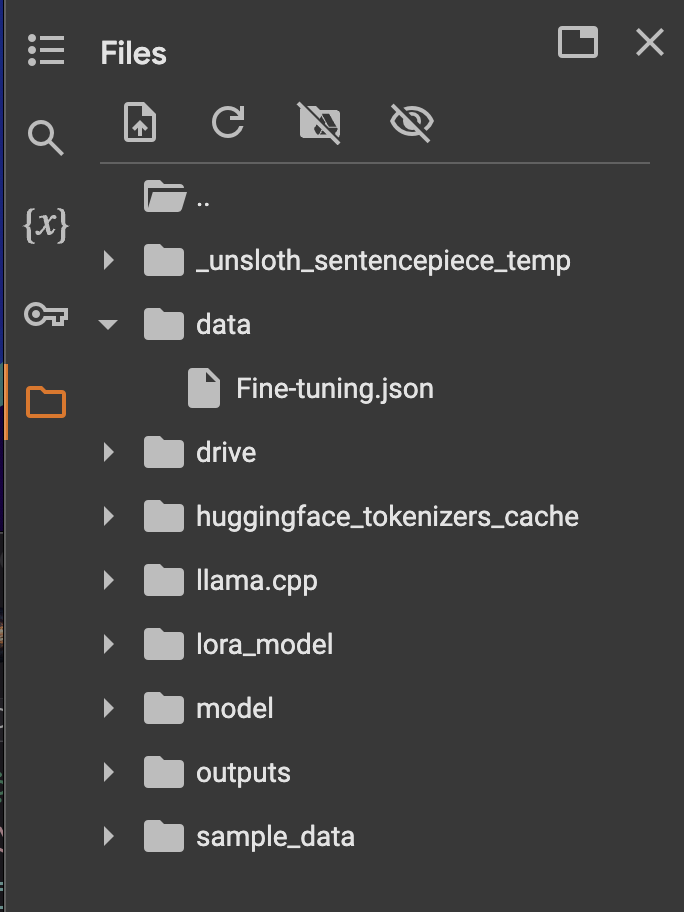
website on the left have a files, create a folder data
upload json file Fine-tuning.json
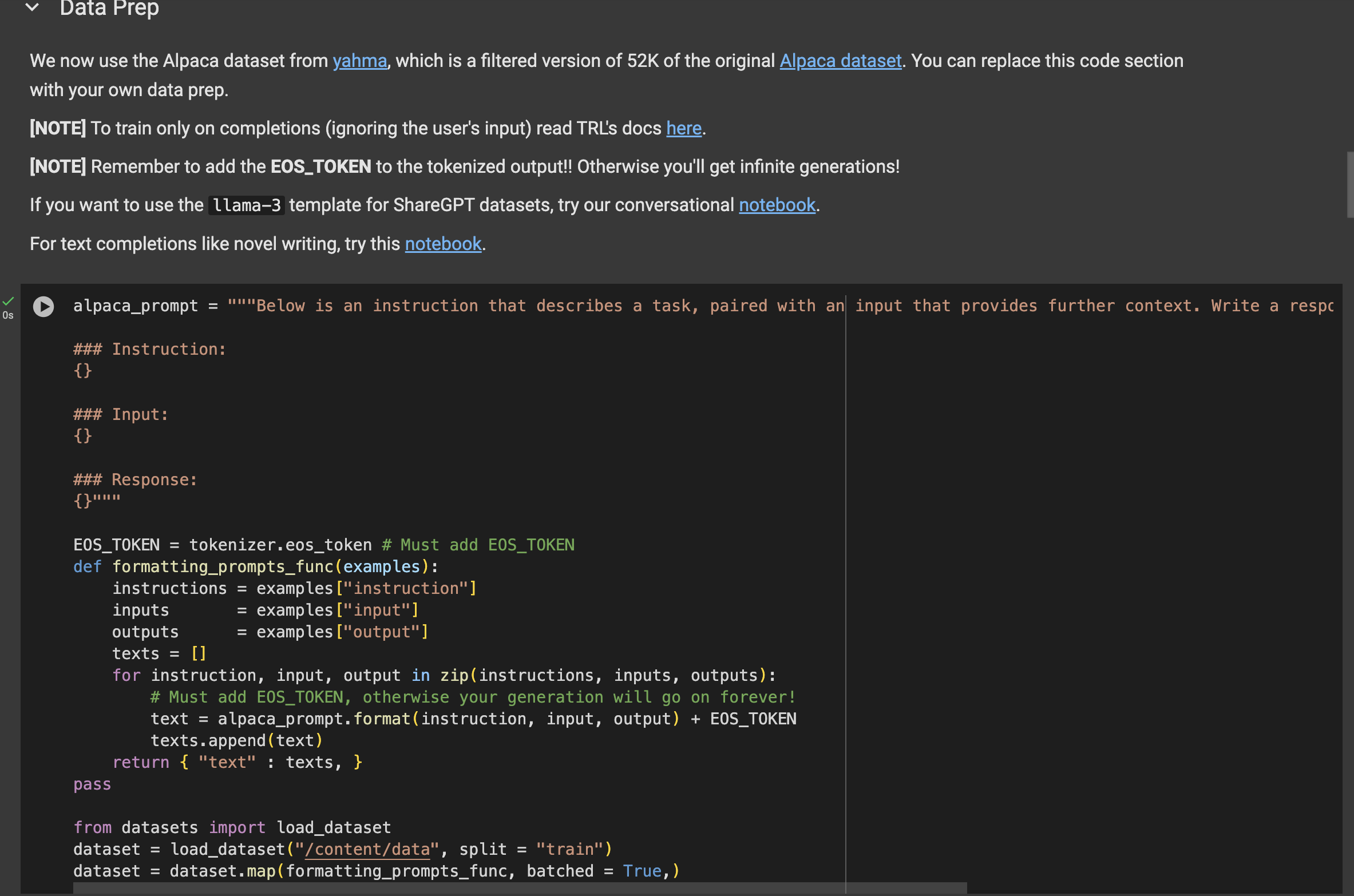
find data Prep
dataset = load_dataset("yahma/alpaca-cleaned", split = "train") replace dataset = load_dataset("/content/data/", split = "train")
# step 4
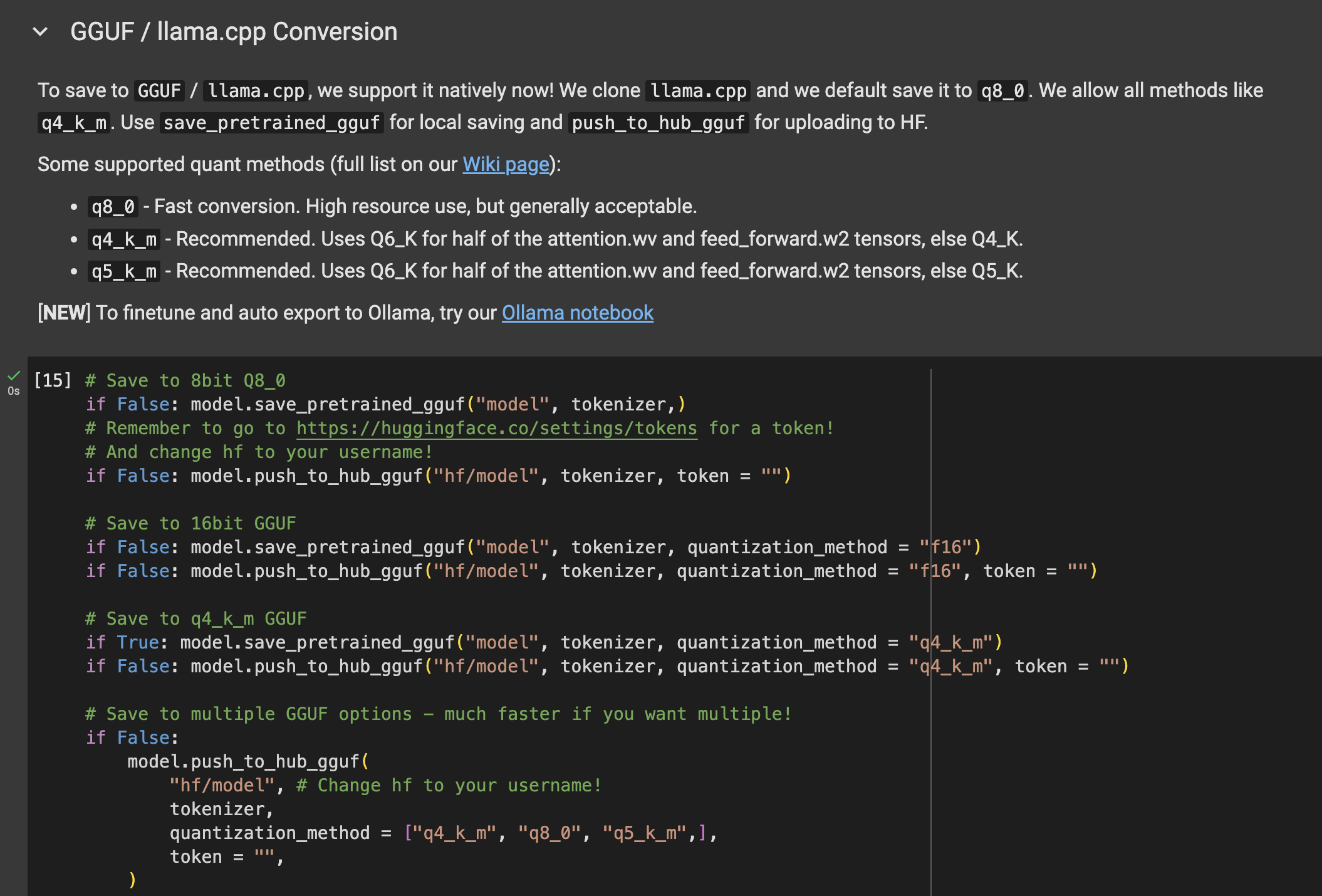
find GGUF / llama.cpp Conversion
# Save to q4_k_m GGUF
if False: model.save_pretrained_gguf("model", tokenizer, quantization_method = "q4_k_m")
replace
if Ture: model.save_pretrained_gguf("model", tokenizer, quantization_method = "q4_k_m")
# step 5
not required,but i suggest you do it(why?because direct download is too slow)
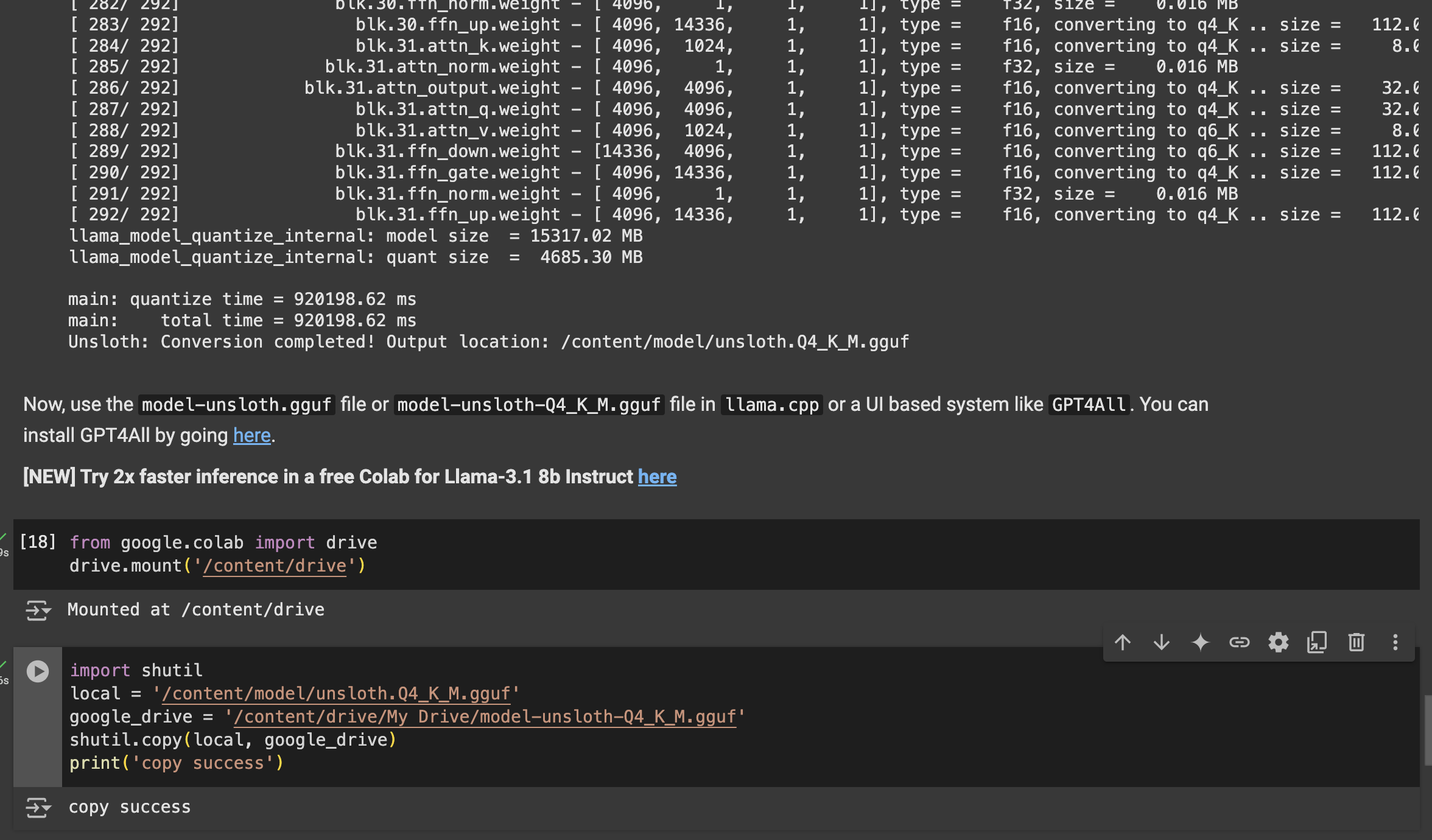
website on the left have a Mount Drive, click it
scroll to code location and click + Code
import shutil
local = '/content/model-unsloth-Q4_K_M.gguf'
google_drive = '/content/drive/My Drive/model-unsloth-Q4_K_M.gguf'
shutil.copy(local, google_drive)
print('copy success')
# step 6
select Runtime > Run all, wait about a half hours
go to google drive website and click my drive. find model-unsloth-Q4_K_M.gguf and dowload
warning: step 5 will be a privacy pop-up window
# other
Ollamap website (opens new window)
Calculating GPU memory for serving LLMs (opens new window)
open webUI github (opens new window)